
Advanced search in the APNIC Whois
Query Options
To query Whois v3, use the following command syntax:
whois [-flags [argument]] <lookup-key>
- Queries using primary and lookup keys
- IP address lookups
- Inverse queries
- Miscellaneous queries
- Informational queries
Queries using primary and lookup keys
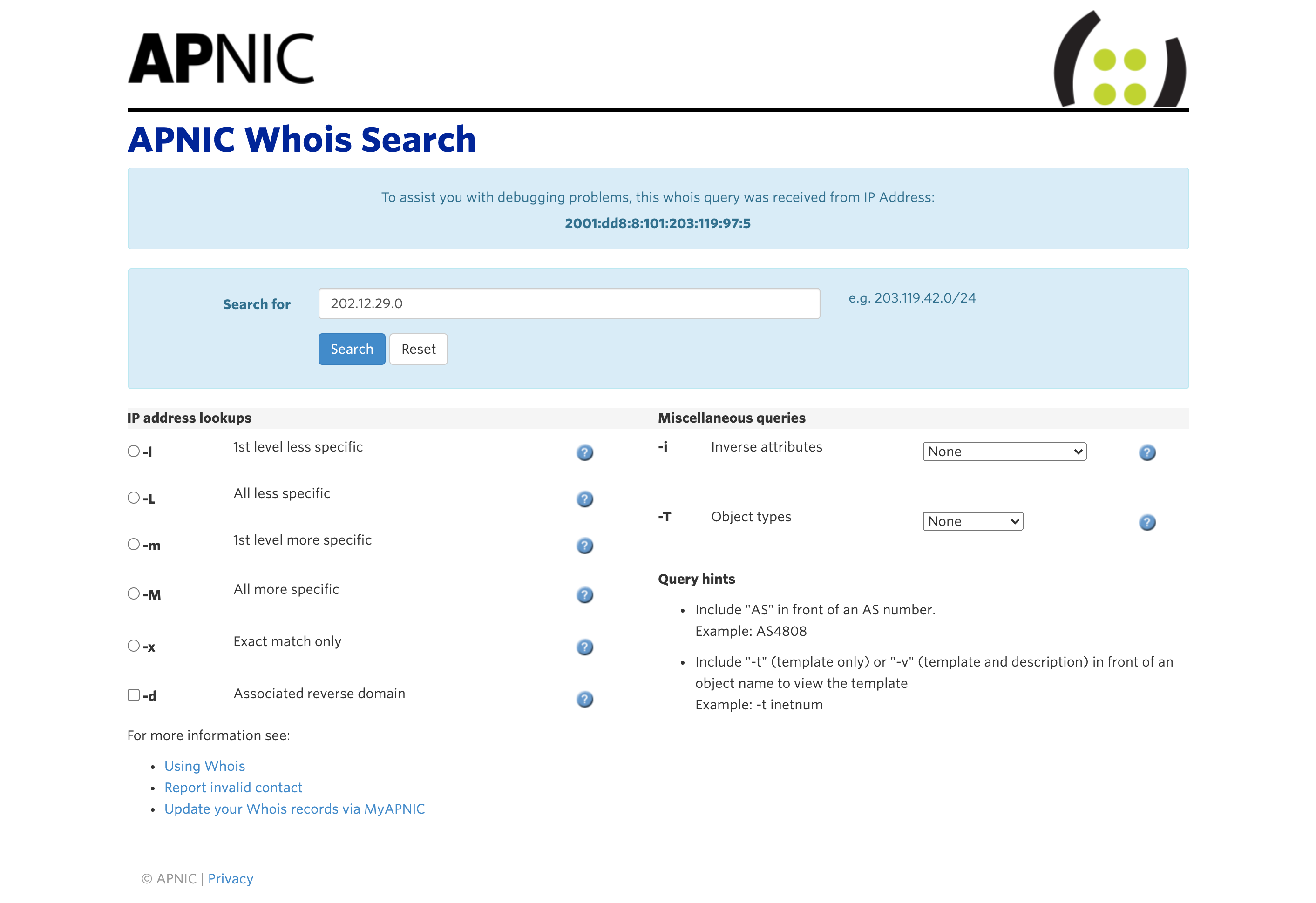
Example:
whois -h whois.apnic.net 202.12.29.0
| Lookup key | Objects returned by query | ||
| Address prefix or range or single address |
|
||
| Network name | All inetnum and inet6num objects with a netname attribute containing the name specified in the query. | ||
| Person | All person and role objects with a person or role attribute containing the name specified in the query argument. | ||
| NIC-handle | person or role object with a matching nic-hdl attribute. | ||
| Maintainer | mntner object with a matching primary key. | ||
| Reverse domain | domain with a matching primary key. | ||
| AS number | aut-num object with a matching aut-num attribute and associated as-block. | ||
| AS number – AS number | as-block object whose primary key matches or fully contains the query range. | ||
| Set name | as-set, filter-set, peering-set, route-set or rtr-set with a matching primary key. | ||
| Domain | inet-rtr objects with a matching primary key. |
IP address lookups
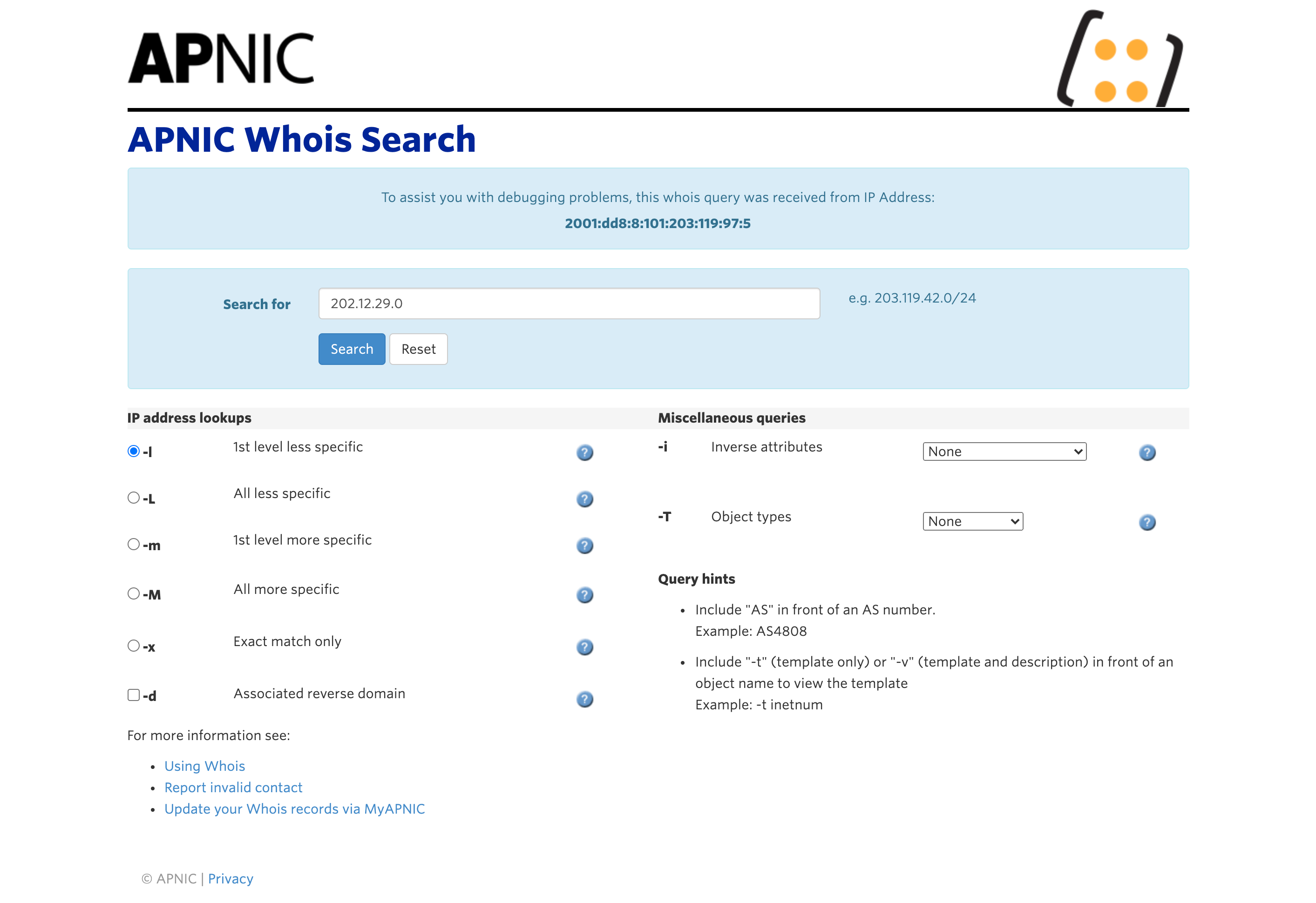
Example:
whois -h whois.apnic.net -l 202.12.29.0
| Flag | Objects returned by query |
|---|---|
| -L | All less specific inetnum, inet6num, route, or route6 objects, including exact matches. |
| -m | First level more specific inetnum, inet6num, route, or route6 objects, excluding exact matches. |
| -M | All more specific inetnum, inet6num, route, or route6 objects, excluding exact matches. |
| -l | First level less specific inetnum, inet6num, route, or route6 objects, excluding exact matches. |
| -x | Only an exact match on a prefix will be performed. If no exact match is found, no objects are returned. |
| -d | Enables use of the -m, -M, -l and -L flags for lookups on reverse delegation domains. |
Use this option to view IP address blocks that match or are larger than the IP address or range you wish to query.
| -l First level less specific | Use this option when querying:
This option returns: the smallest IP address range that includes the IP address or range specified in the query. |
| -L All levels less specific | Use this option when querying:
This option returns: all IP address ranges that include the IP address or range specified in the query. Please note, that as well as upstream address blocks, the top level ‘parent’ range allocated to APNIC by IANA will also be returned. APNIC makes allocations from this range, but does operate the networks that use these |
Use these options to view IP address blocks that match or are smaller than the IP address or range you wish to query.
| -m First level more specific | Use this option when querying:
This option returns: first level more specific address ranges within the boundaries of the IP address range specified in the query.
Hint: use this option to:
|
| -M All levels more specific | Use this option when querying:
This option returns: all more specific address ranges within the boundaries of the IP address range specified in the query.
Hint: use this option to:
Note: do not use this option to view all allocations and assignments in a /8. If you do try to do this, you will be blocked by the server for excessive query load. |
Use this option to view IP address blocks that exactly match the IP address range you wish to query.
| -x Exact match only | Use this option when querying:
This option returns: the specific address range specified in the query. If no exact match is found, nothing will be returned.
Hint: use this option to:
Note: if you are not sure of the exact address range, do not use this option. Instead, use one of the following options: -l, -L, -m, -M. |
Use this option to view reverse domains associated with IP address blocks returned by the query on an IP address or range.
| -d Return associated reverse domain | Use this option when querying:
This option returns: an exact match, or the smallest IP address range that includes the IP address or range specified in the query. It also returns the smallest reverse domain that encompasses that IP address range.
Hints: use this option to:
Use this option in combination with -l, -L, -m or -M to:
Use this option in combination with -T <object-type> to:</object-type>
Note: all assigned address space should have associated reverse domains created in the APNIC Whois Database. To create reverse domains for address blocks, see Reverse DNS Delegations Manual. |
Inverse queries
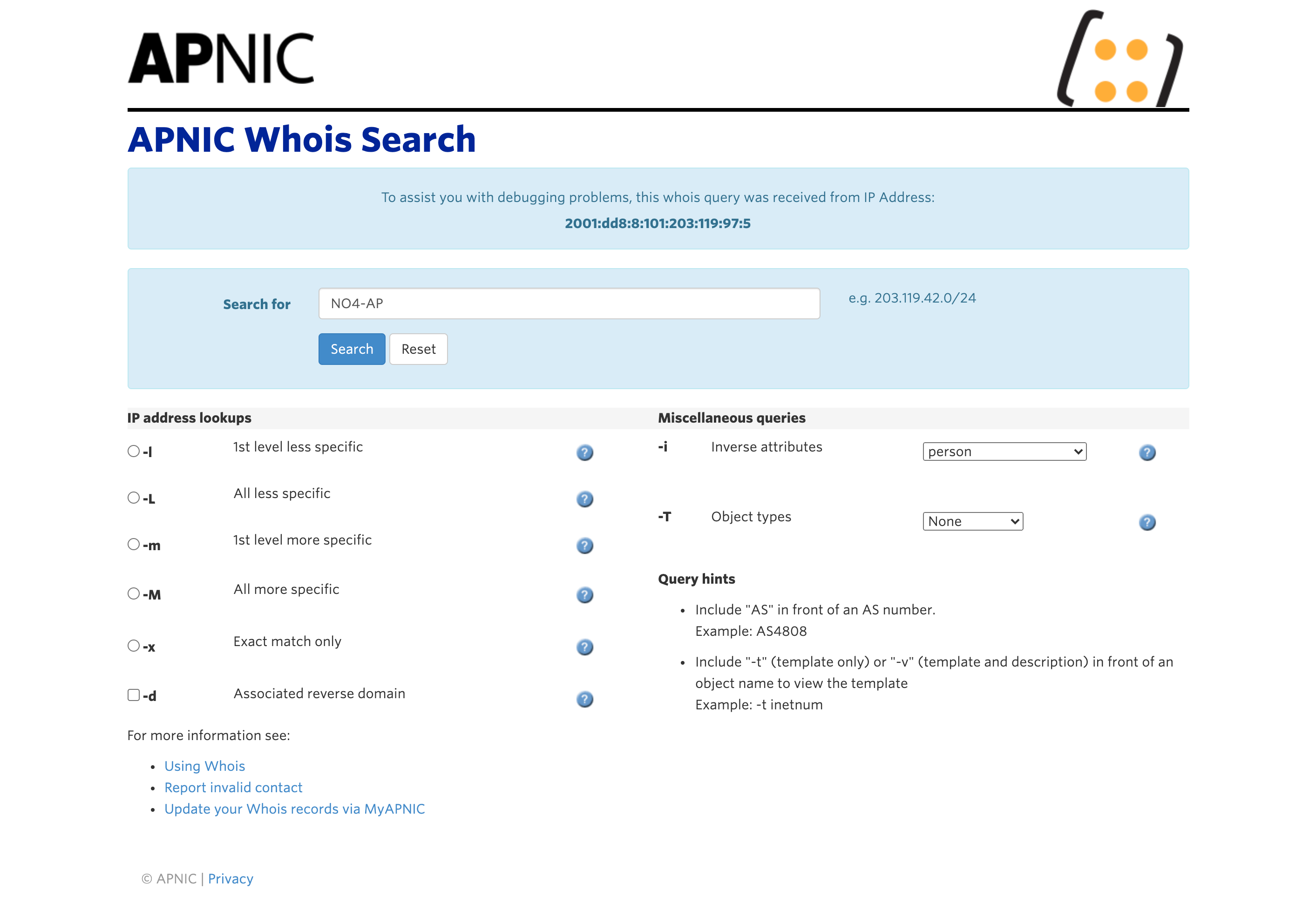
Example:
whois -h whois.apnic.net -i pn NO4-AP
Use this option when:
This option returns: all objects that have an attribute that matches the query text and attribute type. Hint: use this option to:
|
| Flag | Alternative flag | Lookup key | Objects returned by query |
| -i ac | -i admin-c | NIC-handle or person | Objects with a matching admin-c attribute. |
| -i pn | -i person | NIC-handle or person | Objects with matching admin-c, tech-c, zone-c, or cross-nfy attributes. |
| -i mb | -i mnt-by | Maintainer | Objects with a matching mnt-by attribute. |
| -i ml | -i mnt-lower | Maintainer | Objects with a matching mnt-lower attribute. |
| -i mn | -i mnt-nfy | mntner objects with a matching mnt-nfy attribute. | |
| -i ny | -i notify | Objects with a matching notify attribute. | |
| -i ns | -i nserver | Domain or address prefix or range or single address | domain objects with a matching nserver attribute. |
| -i rz | -i rev-srv | Domain or address prefix or range or single address | inetnum and inet6num objects with a matching rev-srv attribute. |
| -i sd | -i sub-dom | Domain | domain objects with a matching sub-dom attribute. |
| -i tc | -i tech-c | NIC-handle or person | Objects with a matching tech-c attribute. |
| -i dt | -i upd-to | mntner objects with a matching upd-to attribute. | |
| -i zc | -i zone-c | NIC-handle or person | Objects with a matching zone-c attribute. |
| -i rb | -i referral-by | Maintainer | mntner objects with a matching referral-by attribute. |
| -i la | -i local-as | AS number | inet-rtr objects with a matching local-as attribute. |
| -i mr | -i mbrs-by-ref | Maintainer | Set objects (as-set, route-set and rtr-set) with a matching mbrs-by-ref attribute. |
| -i mo | -i member-of | Set name | Objects with a matching member-of attribute, provided that their membership claim is validated by the mbrs-by-ref attribute of the set. |
| -i mu | -i mnt-routes | Maintainer | aut-num, inetnum and route objects with a matching mnt-routes attribute. |
| -i or | -i origin | AS number | route and route6 objects with a matching origin attribute. |
Miscellaneous queries
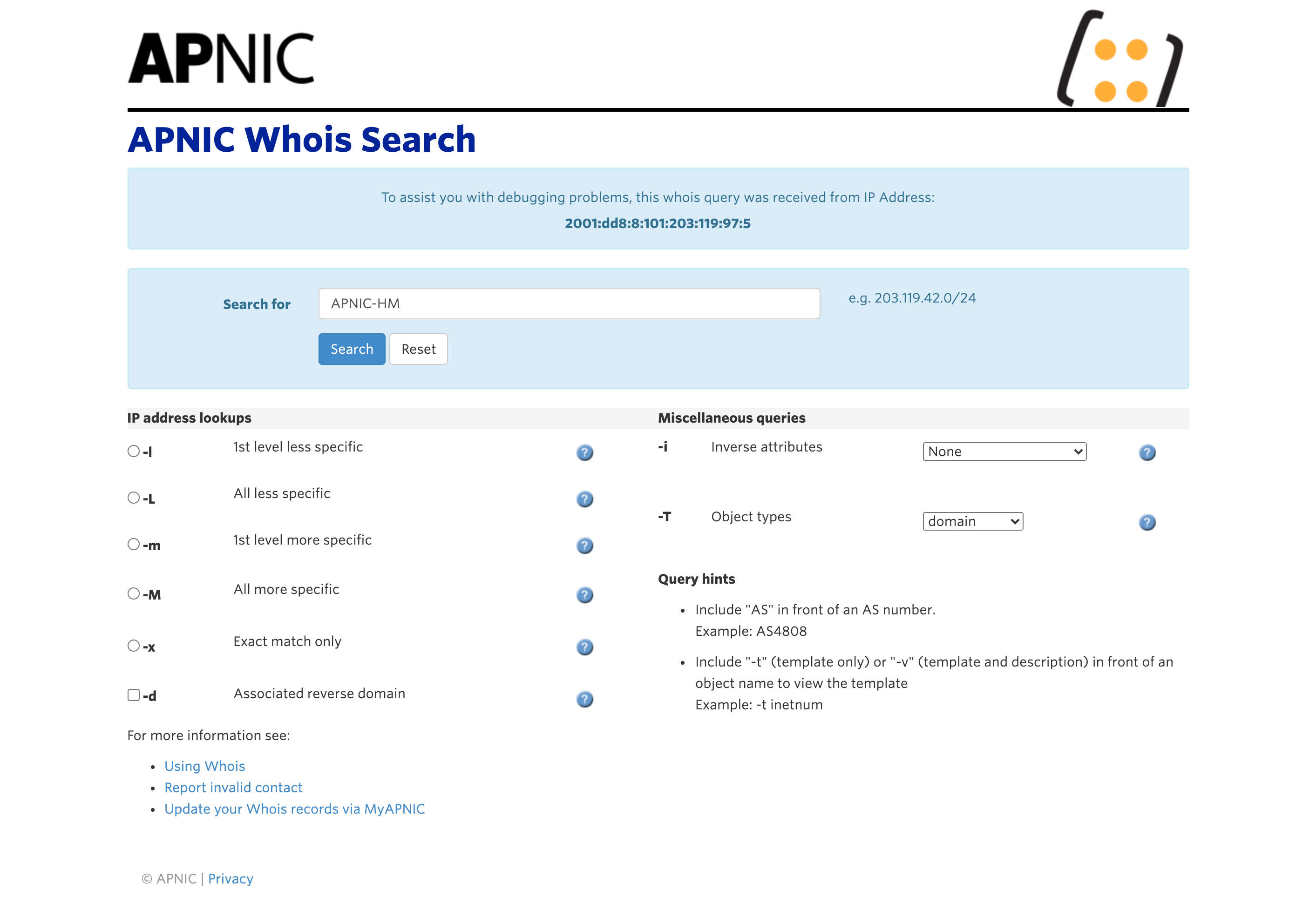
Example:
whois -h whois.apnic.net -T domain -i mb APNIC-HM
| Flag | Argument | Effect |
| -r | Switches off recursion for contact information after retrieving the objects that match the lookup key. | |
| -T | (comma separated list of object types, no white space allowed) |
Restricts the types of objects to lookup in the query. |
| -a | Specifies that the server should perform lookups in all available sources. See also “in-q sources” query. | |
| -s | (comma separated list of sources, no white space allowed) |
Specifies which sources and in which order are to be looked up when performing a query. |
| -F | Produces output using shorthand notation for attribute names. Produces slower responses. | |
| -R | Switches off use of the referral mechanism for domain lookups, so that the database returns an object in the local database with the exact match with the lookup argument, rather than doing a referral lookup. | |
| -K | Only the primary keys of an object are returned.
|
Informational queries
Example:
whois -h whois.apnic.net -q sources
| Flag | Argument | Effect |
| -t | Object type | Template for the specified object type. |
| -v | Object type | Verbose template for the specified object type. |
| “help” | Help on query options available in the database. | |
| -q | “sources” | Current set of sources along with the information required for mirroring. |
| -q | “version” | Current version of the server. |